Start here before the iron gets hot.
Open the assembly deck where everyone can see it, review the directional parts, and use the study guide when a symptom needs evidence instead of a guess.
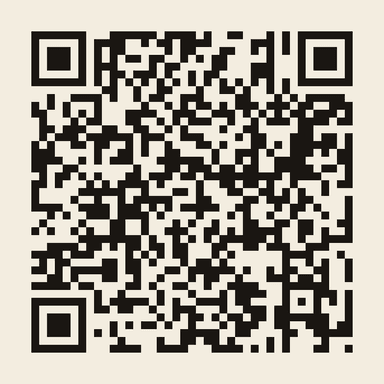
This is the code printed with each student kit.
Bookmark this page before class.
- Project during the buildOpen assembly deck
Assembly slide deck
Thirty-two illustrated slides covering safety, build order, orientation, inspection, first power, and troubleshooting.
- Print or reviewOpen study guide
Student study guide
A five-page reference for component literacy, reliable joints, polarity, quality control, and symptom-based troubleshooting.
- Check readinessOpen Google quiz
Google Forms build-readiness quiz
Twelve required, automatically scored questions covering safety, placement, orientation, and inspection. No sign-in or email address is required.
If your school network blocks Google Forms, use the browser-based practice copy. It uses the same 12 questions and scores locally without collecting student information.
Included with every class set.
The purchasing contact receives the three-period lesson plan, Google Forms-ready quiz, private answer key, student study guide, and presentation deck. Student QR access never exposes the teacher answer key.
Adult supervision, eye protection, moving air, and district-approved soldering procedures are required. Switch a board off immediately if any component becomes hot or smells unusual.